Robotics Courses
Kiddo Coder
-
Level 1:

-
Level 2:
-
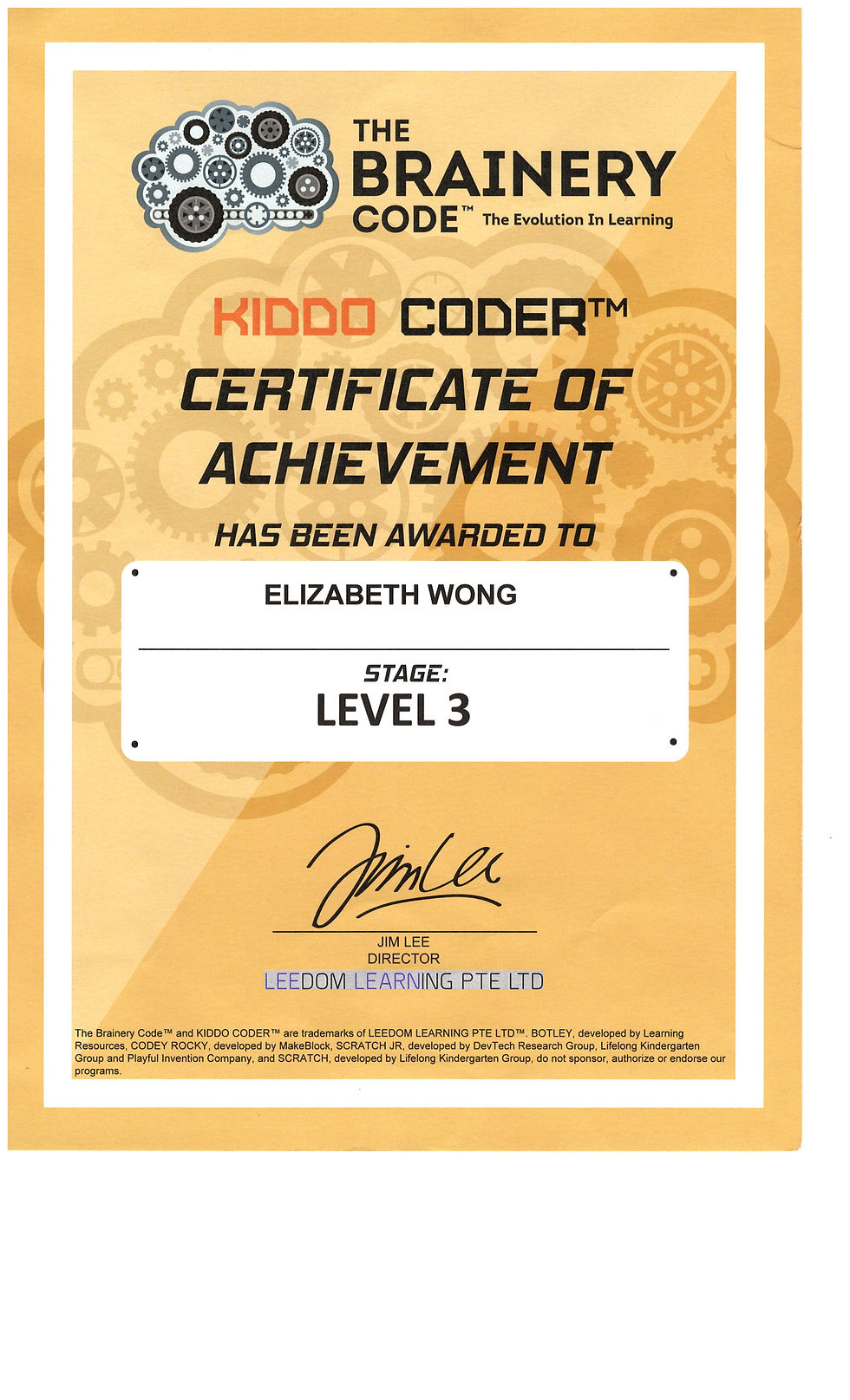
Level 3:

-
Botley
-
Basic movement code functions, screen free programmable robot
-
-
Scratch Junior
-
Creating animation, storyline and games using graphical coding blocks.
-
-
Codey Rocky
-
Coding movement using sensors and game design. Mblock coding interface with block based coding
-
Tinker Coder
-
Level 1:

-
Level 2:

-
Level 3:

-
Level 4:

-
Level 5:

-
Scratch 3.0
-
Develop Animation projects, building simple games using word blocks
-
Designing video sensing games using webcam to sense player's real-time hand positions and facial expressions
-
Designing games that utilise external robotic movement sensors as input
-
-
Minecraft Education
-
Develop Animation projects, building simple games using word blocks
-
Designing video sensing games using webcam to sense player's real-time hand positions and facial expressions
-
Designing games that utilise external robotic movement sensors as input
-
In-depth word block based coding using Code Builder to program virtual character to perform tasks in a 3D environment
-
Using coding logics like conditionals, functions, variables, loops to complete in game challenges
-
Robo Coder Junior


-
Wedo 2.0
-
Interactive projects using icon blocks
-
-
Spike Essential
-
Exposure to mechanisms, colour sensors, LEDs and coding using word blocks
-
Troubleshooting skills and creative ideation process
-
Robo Coder Senior


-
EV3 & Spike Prime
-
Robotics coding with EV3 editor & Spike Lab on Word blocks
-
Single & Double colour sensor Line Tracing coding
-
Proportional control Line tracing code logic
-
Appropriate choice of sensors and code for the desired robot output
-
Effective use of colour, gyro, infrared, ultrasonic, touch sensors
-
Robotic build utilising engineering concepts like gear ratio, moment arm, relative position, mechanical advantage.
-
Techcation Topics:
1. Into the Metaverse
-
CoSpaces
-
Creating virtual 3D objects and code to experiment with physics
-
-
Figma
-
Designing user interface of a mobile application
-
-
Roblox Studio
-
Originating an obstacle course in 3D space and publishing for other online players
-
-
VR Games
-
Solving puzzles and experience using VR headset
-
-
Senior Robotics
-
Overcoming challenges on a robotics playfield using Lego Spike Prime
-
-
Minecraft Education
-
Coding Minecraft agent to automate in-game tasks
-
2. Food for the Future
-
MIT App Inventor
-
Creating iOS and Android apps with block-based visual programming language
-
-
Wick Editor
-
Animate 2D video, creating storyline characters
-
-
Wix.com
-
Building website for based on food and farming theme
-
-
3D Printing - Tinkercad
-
Turning virtual 3D designs into reality with Tinkercad software, using code blocks to to create parametric and adaptive designs turning static creations into customisable shapes
-
3. World of AI
-
Python
-
Using Python libraries, coding in Python using IDLE. Creating a musical game using Python
-
-
PictoBlox
-
Learning about the the concepts behind Machine learning, training AI models, human body detection, text to speech
-
-
Perchance AI
-
Making a customised poster with the AI image generator. Learning about good AI prompts for better results.
-
-
Sketch-RNN
-
Exposure to Recurrent Neural Network applications with AI games
-
-
Scroobly
-
Creating fun and interactive animations that map live motion captured on webcam onto a sketch in real-time
-
-
Semi-Conductor
-
Using webcam to experiment with musical creations
-
-
Semantris
-
Interacting with word association game powered by machine learning
-
-
Emoji Scavenger Hunt
-
Experiencing how neural networks can identify everyday objects of the emojis that we use everyday
-